Reference

luckydesk App — Your Lobby on Any Device

The luckydesk lobby loads straight from your mobile browser — no file to download, no app store queue. Open your account on your phone, check what mobile access is currently available for your device, and you are in the lobby in seconds where local…
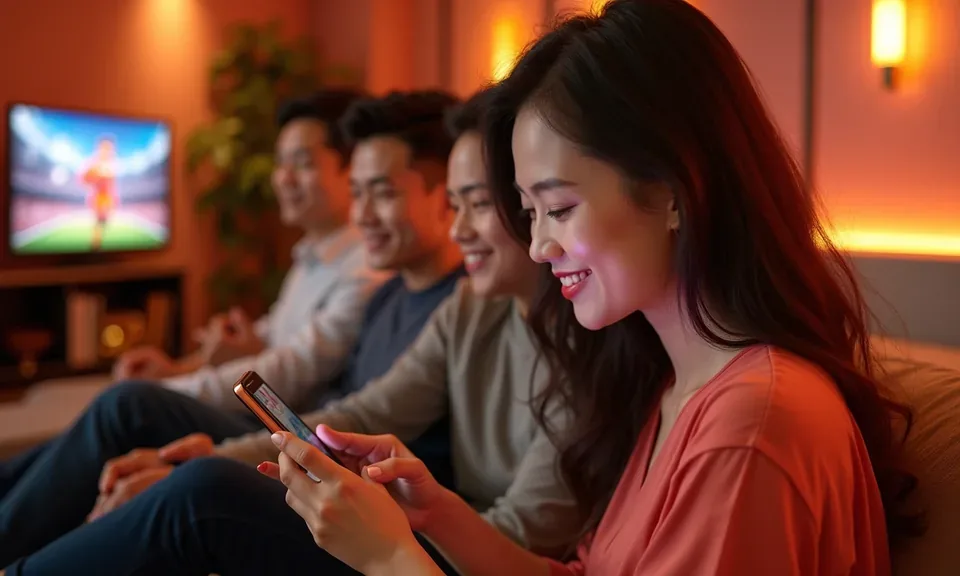
Mobile browser accessNo forced downloadAccount wallet on the goDevice availability checkPhilippines-friendly login
luckydesk luckydesk App — Your Lobby on Any Device
DEVICE COMPATIBILITY CHECK

Check Your Device Before You Start

Most modern smartphones and tablets open the luckydesk lobby without any adjustments. Use this checklist to confirm your device and account are set up correctly before your first mobile session.

luckydesk Browser requirement

Browser requirement

Use an updated version of Chrome or Safari. Older browser versions may not render live table streams or crash game animations at full quality.

luckydesk Screen layout

Screen layout

The lobby is designed for portrait and landscape mode. Live dealer tables like Roulette Live Night Shift display best in landscape on screens wider than 5 inches.

luckydesk Account requirement

Account requirement

You need an active, verified luckydesk account to access real-money rooms. Account verification is completed inside the account settings menu on mobile or desktop.

luckydesk Mobile Access in 3 Steps

Mobile Access in 3 Steps

Getting into the luckydesk lobby from your phone does not require any APK file or app-store install. The whole experience runs in your browser. Here is the path we recommend for a clean first session on mobile. Each step works the same way whether you are on Android or iOS, and whether you are in Manila or connecting from Iloilo City.

  • Open the site in your browser — Type luckydesk directly into Chrome, Safari or your preferred mobile browser. Avoid third-party links — go straight to our address to make sure you are on the real site.
  • Check browser compatibility — The lobby runs on any up-to-date browser. If a game tile does not load, try refreshing or switching to Chrome. Our account support chat can confirm which browser version works with your specific device.
  • Sign in securely — Log in with your credentials. If your device supports it, set up fingerprint login from the account security settings right after your first sign-in to speed up future sessions.
  • Add the site to your home screen — Use your browser's Share or Add to Home Screen option to place a shortcut on your phone. It opens like an app but runs through the browser — no store download, no APK needed.
luckydesk Browse Slots and Live Tables from Your Phone

Browse Slots and Live Tables from Your Phone

From your mobile browser, the luckydesk lobby gives you the same slots, live baccarat tables and sportsbook markets you would find on desktop — Pragmatic Play and PG Soft titles like Gates of Olympus and Mahjong Ways load cleanly on a smaller screen. Push notifications alert you when a session or promo update is waiting. Quick deposit shortcuts sit inside the account

menu so you move from wallet to game without extra taps. Fingerprint login is available on supported devices, cutting your sign-in to a single touch. Players in Bacolod and elsewhere in the Philippines open their betslip, check PBA or UAAP lines and jump into a Fishing Arena round all from the same screen.

APP FEATURE SNAPSHOT

Switch On These App Features Fast

Four features in the mobile experience make the biggest difference to your session flow. Each one is accessible once your account is active and your device meets the browser requirements we check at login.

Fingerprint Login Supported Android and iOS devices can use biometric authentication. One touch replaces your password and gets you to the lobby without typing.
Push Notifications Allow notifications and we send you a prompt when a new promo round opens or when your withdrawal status changes in your account wallet.
Dark Mode Display The interface switches to a dark theme automatically at night or on demand. Easier on the eyes during long live baccarat or Sakla Draw Room sessions.
Offline Lobby Preview Your recently visited game categories stay cached locally so you can browse the lobby structure and game tiles even before your connection fully loads.

Common Questions About the luckydesk App

Real questions from people checking whether the luckydesk mobile experience fits how they play. Answers are based on how the platform works right now for eligible accounts where local law permits.

We currently offer full mobile access through your browser at luckydesk. Check our account support chat for the latest update on any dedicated app build availability.

Yes, on supported Android and iOS devices you can enable biometric login from your account security settings after your first sign-in. It cuts login to a single touch.

The full lobby is available on mobile — slots from PG Soft and Pragmatic Play, live baccarat and roulette tables, crash games like Aviator, and the sportsbook covering PBA and NBA markets.

If you allow push notifications, we send an alert when your withdrawal status changes. You can also check the status any time in the account wallet section of the menu.

A weak connection is usually the cause. Switch to a stable WiFi or 4G signal, then refresh the browser. If the issue continues, contact our account support chat for a quick check.

In Chrome or Safari, tap the Share icon and select Add to Home Screen. The shortcut opens the lobby directly from your home screen through the browser — no APK or download required.
Reference

luckydesk App

Service availability depends on eligible regions and local law. Philippine online gaming is regulated, so check local rules before opening an account. 21+ where applicable.

Access may be available only where local law permits.